

SETTING UP
THE BENEFITS OF BEING CONNECTED
To get the most from your Range Rover’s connected services and subscriptions, it’s important that you first set up your InControl account and register your vehicle1.
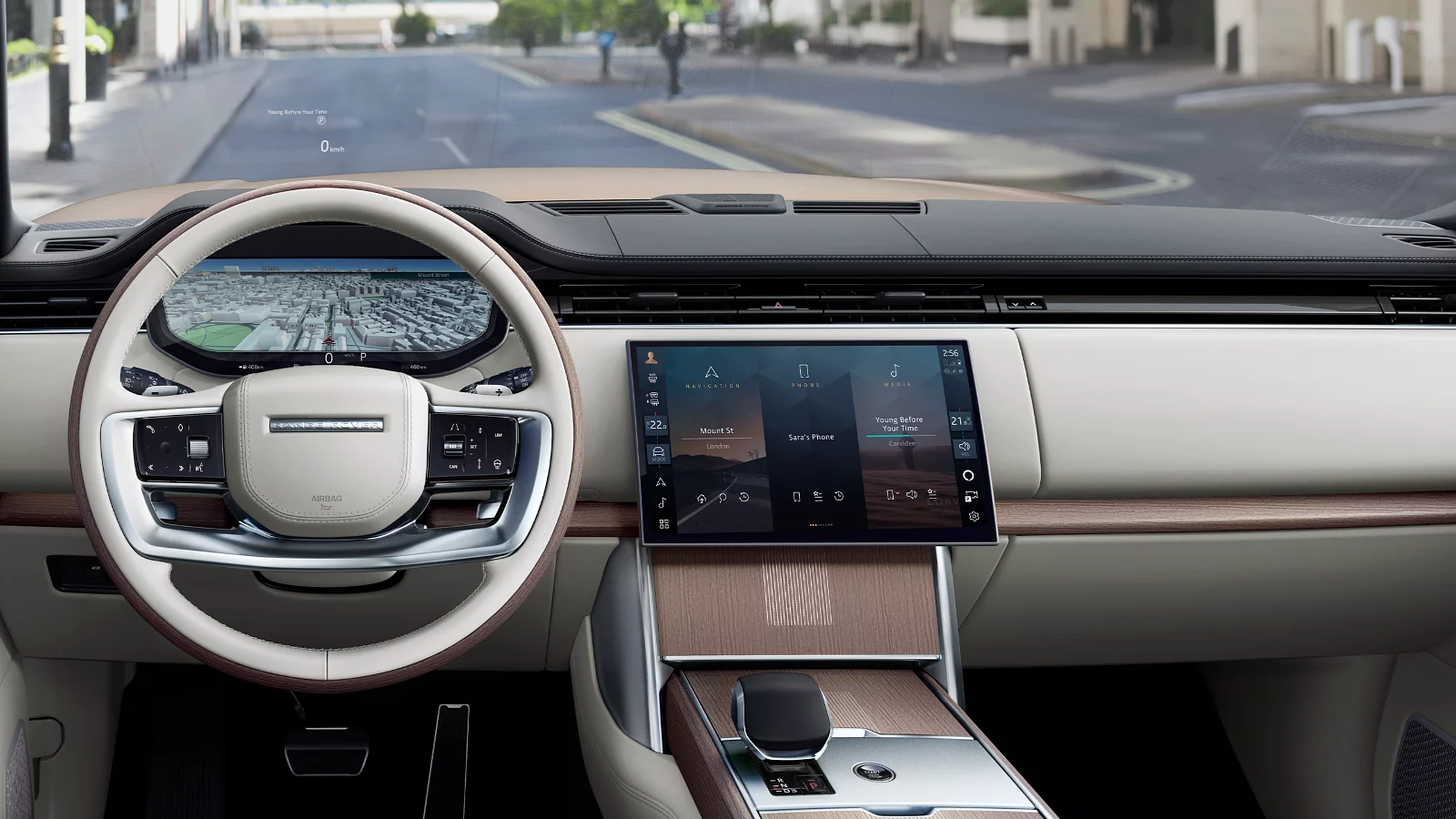
Doing so will give you access to the features at the heart of your Range Rover’s infotainment system, including Bluetooth media, hands-free calls2, live traffic, navigation and charging destination mapping. Please ensure your SIM card is installed and activated during set up.

WATCH: HOW TO CHARGE
Familiarise yourself with the simple steps to plugging in, scheduling, and maximising your driving range with our series of film guides.
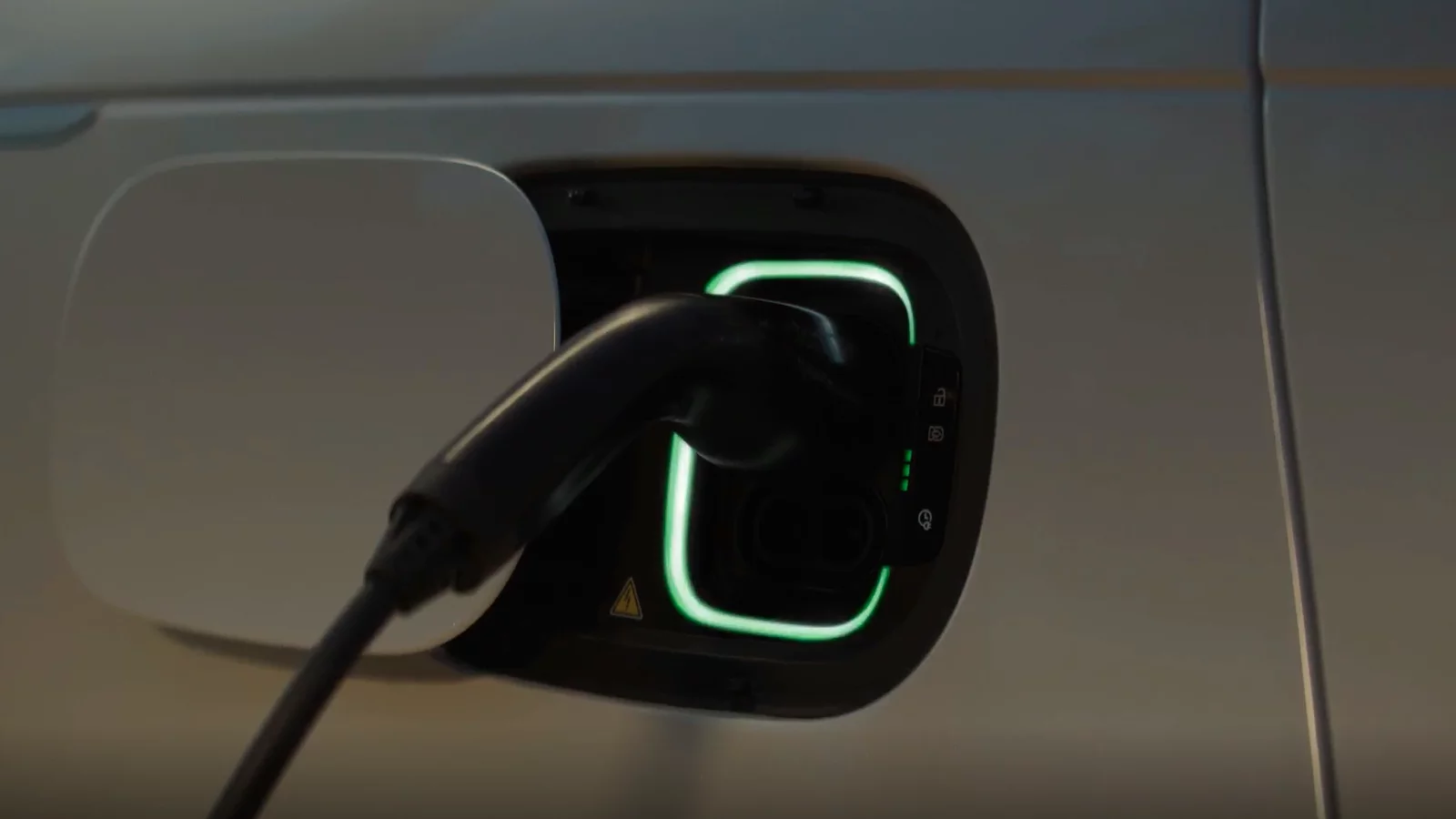
HOME CHARGING
OPTIMISING EVERY DAY
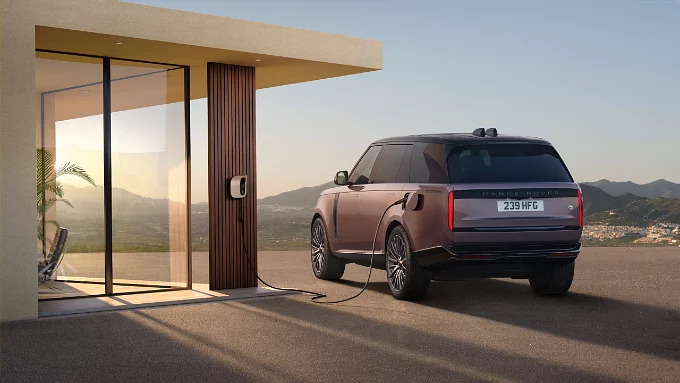
PRECONDITIONING
Heat or cool your cabin before a journey with preconditioning. When plugged in, your Range Rover uses mains power instead of its battery, helping preserve energy and maximise driving range.
To set up preconditioning, download the iGuide App below and search ‘preconditioning’.
OFF-PEAK ELECTRICITY TARIFFS
Plugging in overnight will keep your charging routine simple and help you benefit from the lower EV tariffs offered by many home energy providers, with the potential of lower rates and 100% renewable energy.
Using your vehicle’s ‘preferred charging period’ function means you can charge during the off-peak electricity window. To set up your preferred charging period, download the iGuide App below and search ‘vehicle charging’.
PRECONDITIONING
Heat or cool your cabin before a journey with preconditioning. When plugged in, your Range Rover uses mains power instead of its battery, helping preserve energy and maximise driving range.
To set up preconditioning, download the iGuide App below and search ‘preconditioning’.
OFF-PEAK ELECTRICITY TARIFFS
Plugging in overnight will keep your charging routine simple and help you benefit from the lower EV tariffs offered by many home energy providers, with the potential of lower rates and 100% renewable energy.
Using your vehicle’s ‘preferred charging period’ function means you can charge during the off-peak electricity window. To set up your preferred charging period, download the iGuide App below and search ‘vehicle charging’.
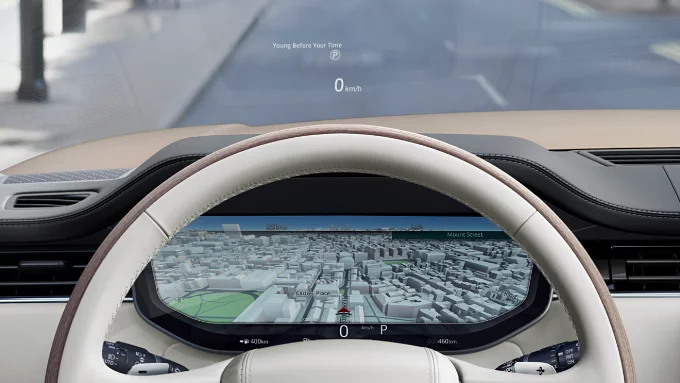
FIND YOUR NEAREST CHARGING POINTS
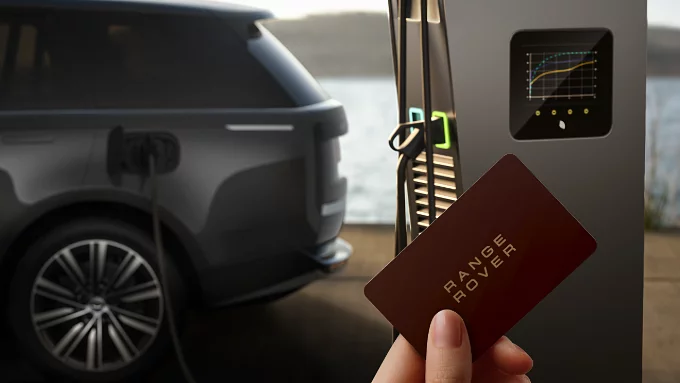
RANGE ROVER CHARGING SERVICE
FIND YOUR NEAREST CHARGING POINTS
RANGE ROVER CHARGING SERVICE
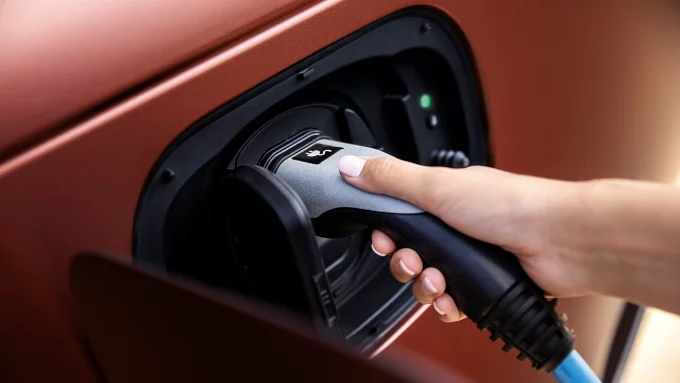
CHARGING CABLES
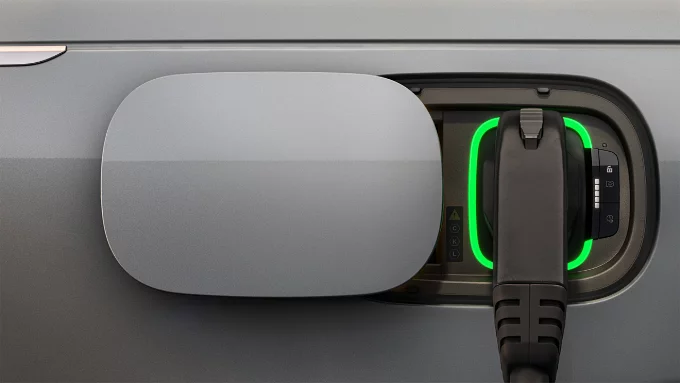
CHARGING CONNECTORS
CHARGING CABLES
CHARGING CONNECTORS
ELECTRIC HYBRID DRIVING
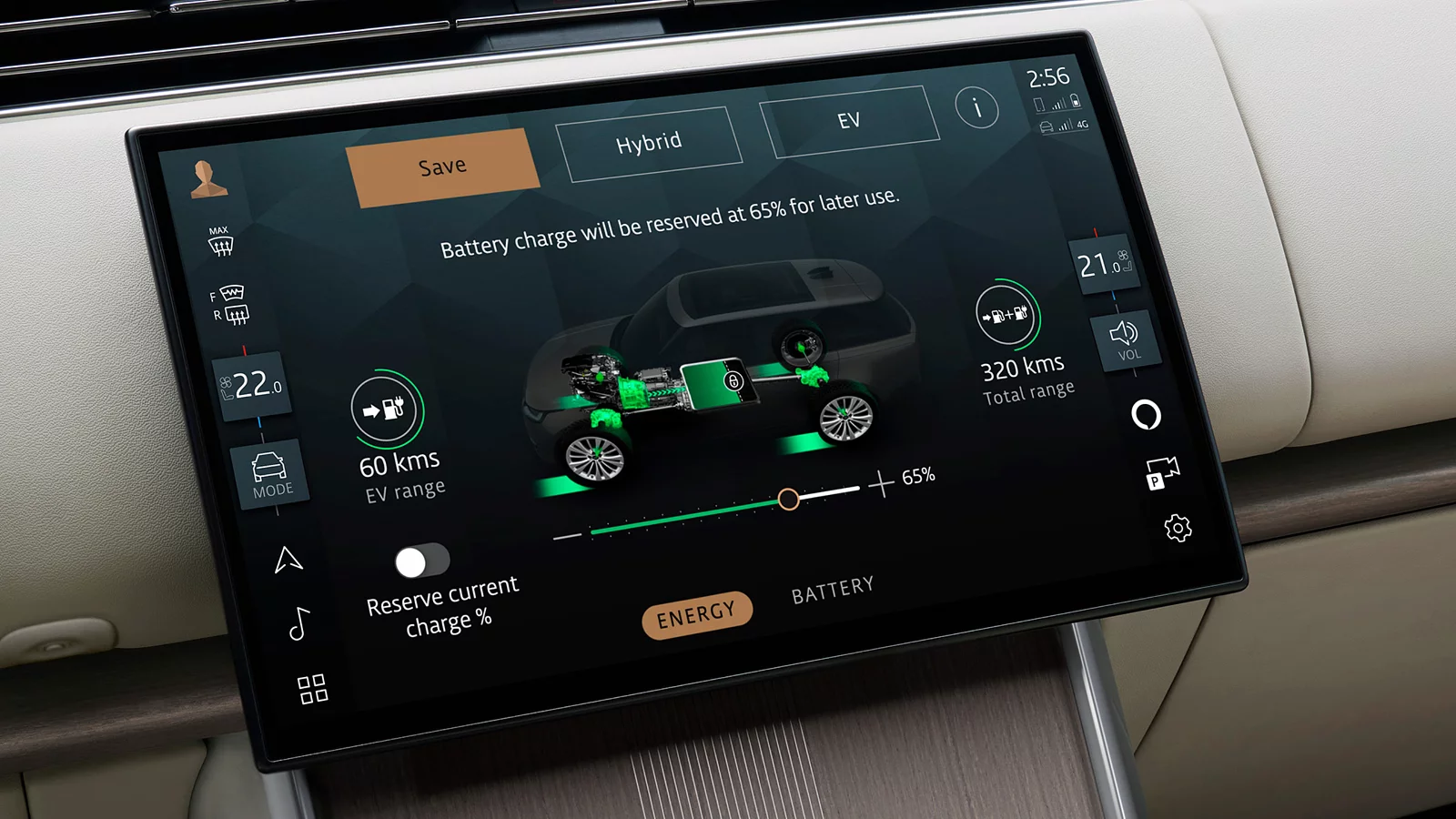
SAVE FUNCTION
PREDICTIVE ENERGY OPTIMISATION (PEO) FUNCTION
MAXIMISING THE LIFE OF YOUR BATTERY
Follow these simple tips for an efficient and longer-lasting battery.
REASSURANCE GOES WHERE YOU GO
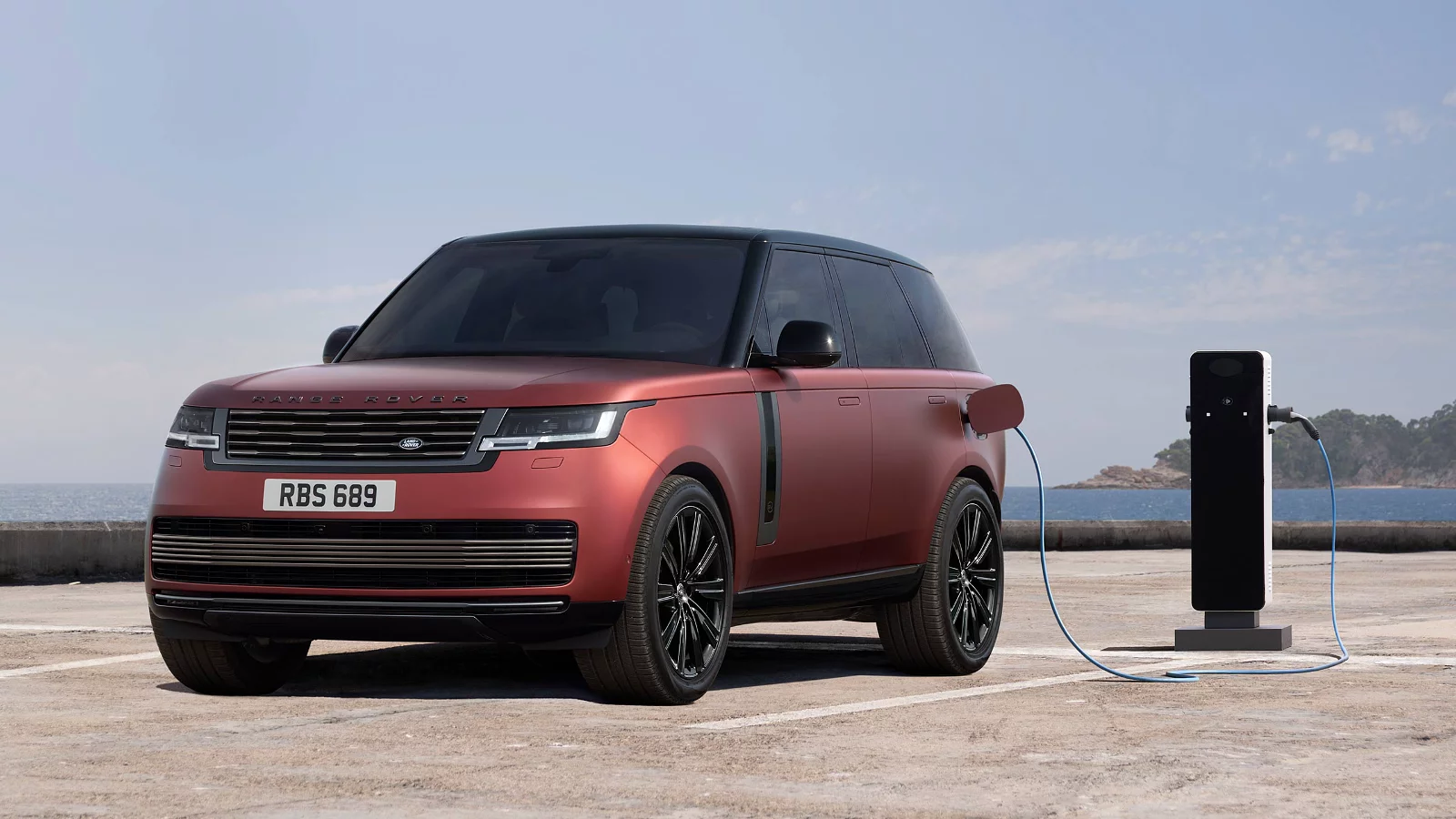
Unlike the much smaller version of a Lithium-ion battery found inside your laptop or mobile phone, a Range Rover battery uses sophisticated liquid-cooling systems and a smart buffer that helps to protect from the wearing effects of constant charging.
We guarantee the traction battery in Range Rover Electric for eight years or 160.000km4, and Range Rover Electric Hybrids for eight years or 160.000km4 – whichever comes first.
ESSENTIAL SMARTPHONE APPS
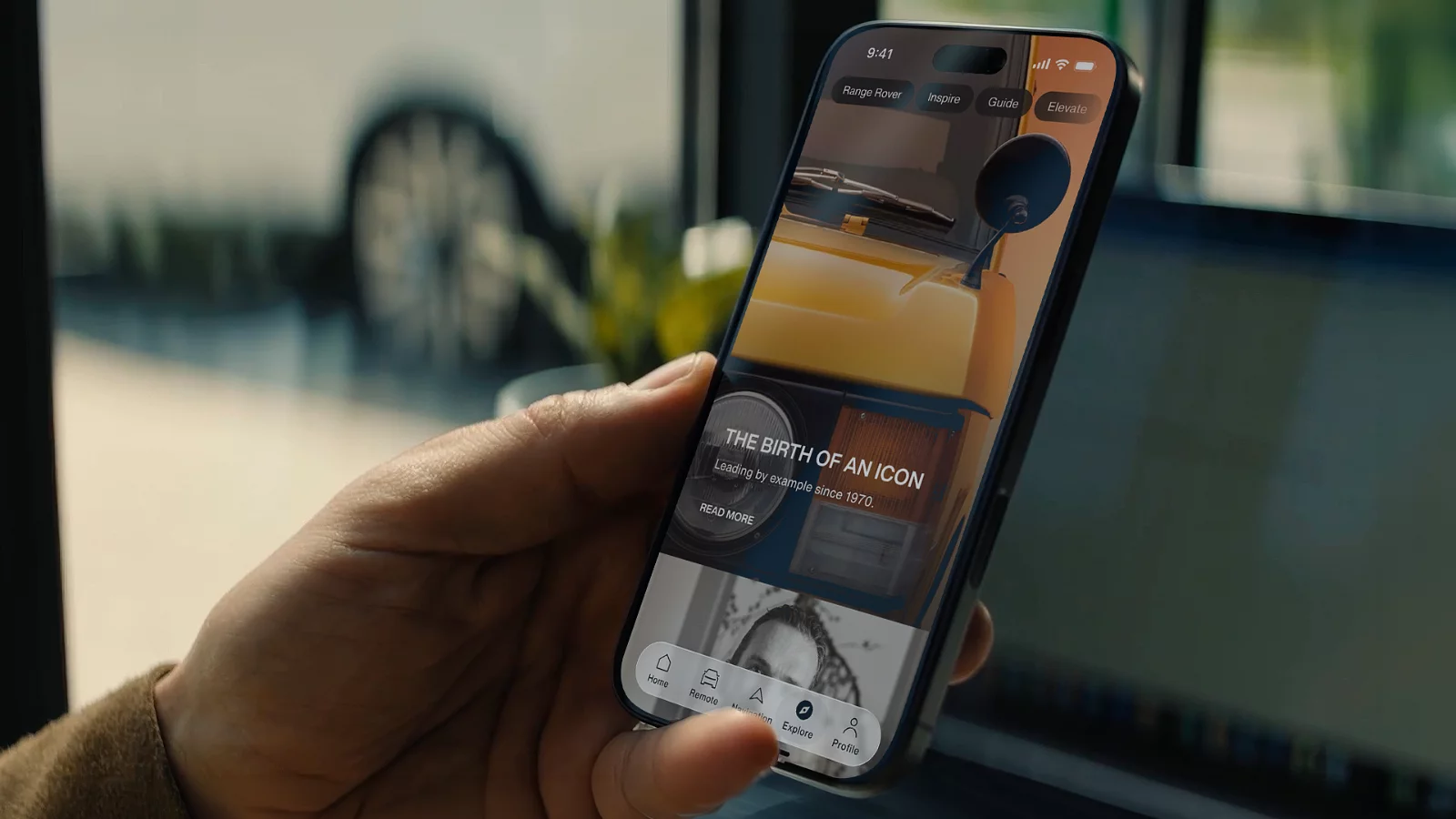
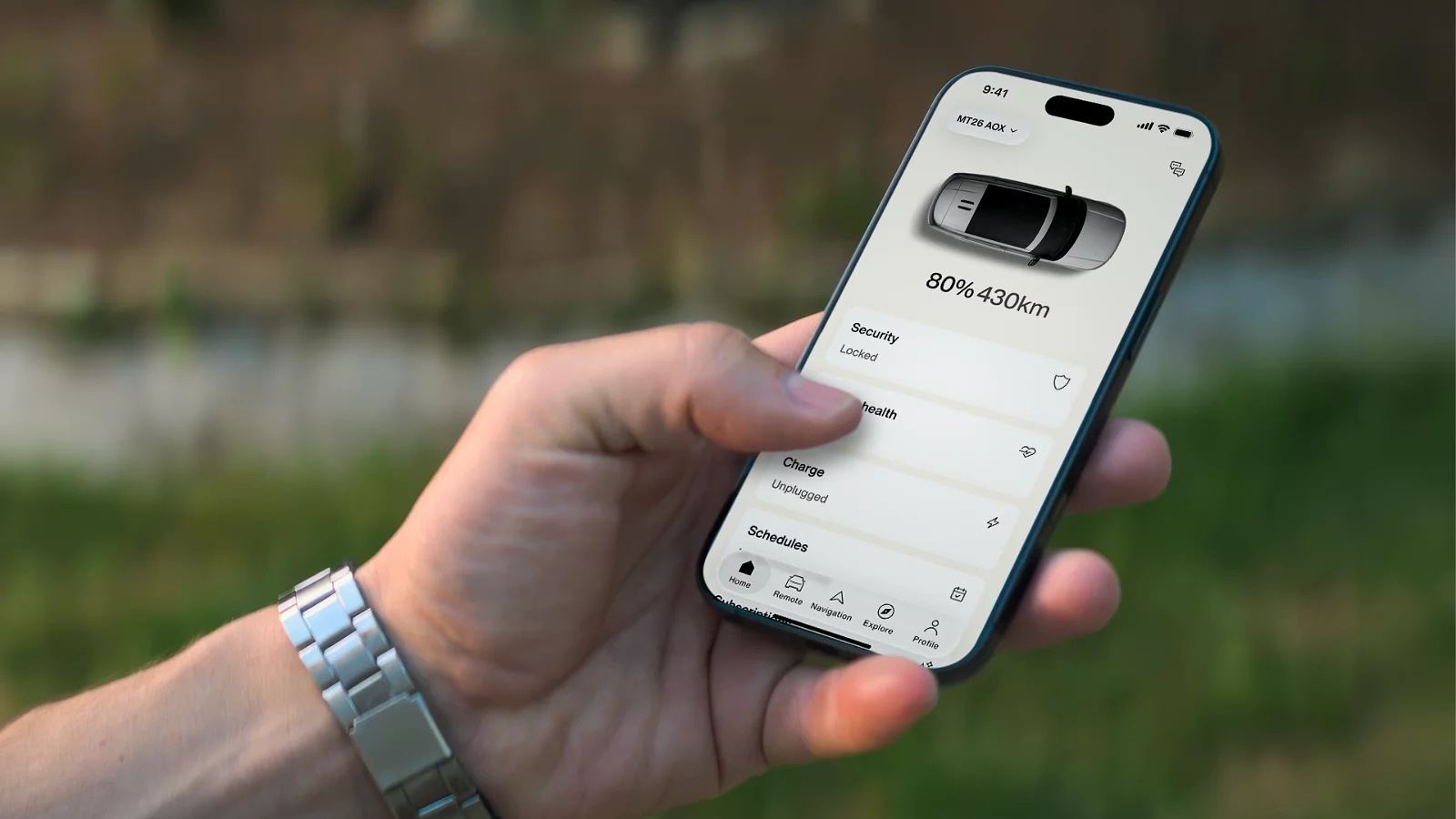
You have instant access to the key controls and features of your vehicle any time you need them with the Range Rover App, Remote App and Range Rover iGuide.
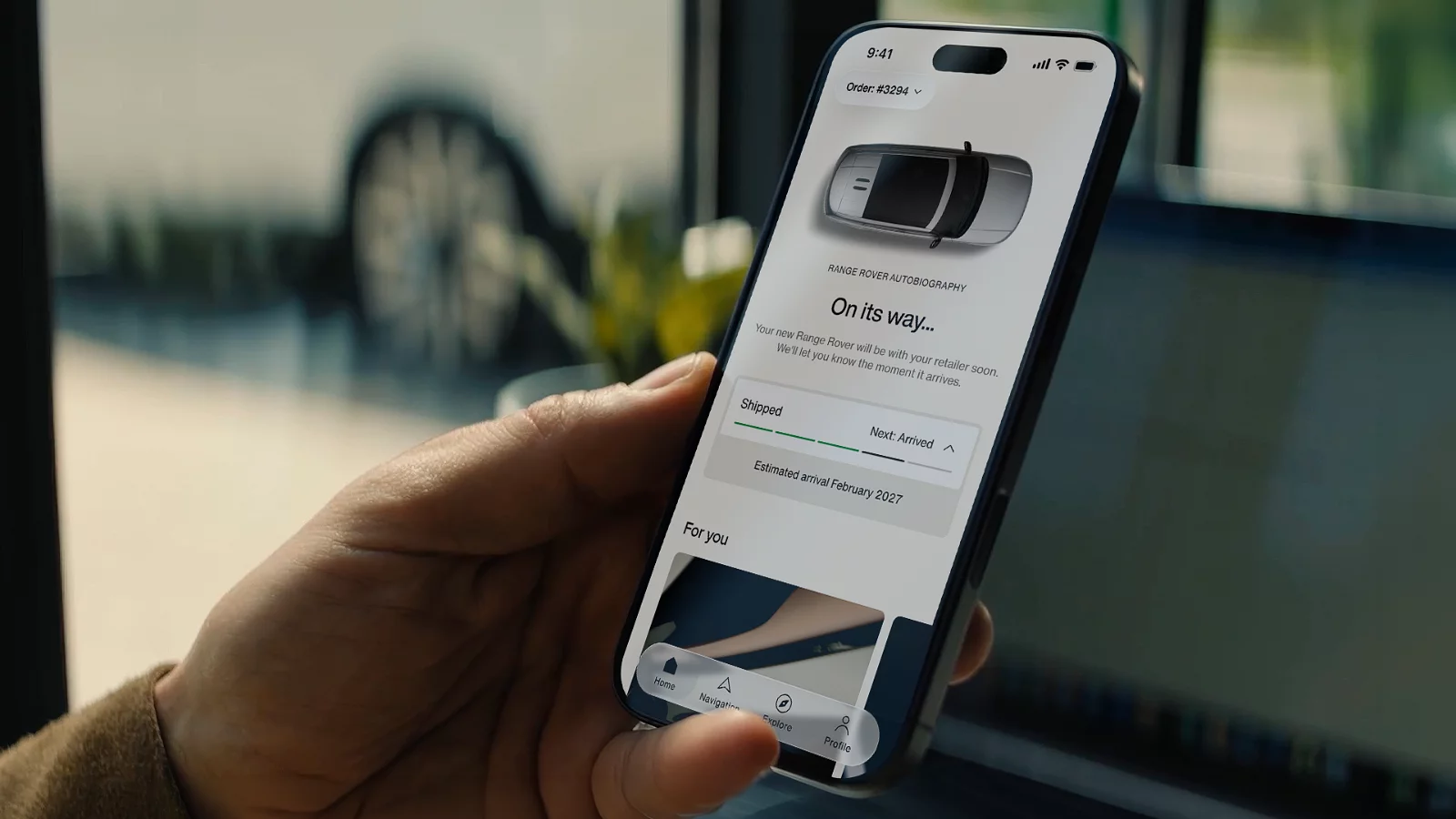
RANGE ROVER APP
KEEP EXPLORING

1InControl Remote/ iGuide features, options and their availability remain market dependent - check with your Retailer for local market availability and full terms. Certain features require an appropriate sim with a suitable data contract which will require further subscription after the initial term advised by your Retailer. Mobile connectivity cannot be guaranteed in all locations.
2Drivers must remain in control of the vehicle at all times.
3Range Rover Charging subscriptions, tariffs and payments are operated by and the responsibility of a third party service provider. Terms and conditions apply.
4The warranty coverage for plug-in electric hybrid vehicles prior to 27 model year may differ depending on market and model, details are available from your local retailer. Terms and conditions apply. Warranty exclusions apply. For further details on your vehicle’s warranties, including details of the exclusions, please refer to your owner iGuide.